
When your shop or company needs to move a shipment, a clear request keeps the essential information together. A goods transport app can help organise communication around the job, while accurate details and a clear service agreement remain essential. This guide is for business customers requesting transport.
Understand ShipHub’s role
ShipHub connects individuals and businesses with transport service providers. Your business describes the requirement, and the provider offers transport based on those details. Distinguish the platform’s role in connecting the parties and organising the request from the carrier’s role in performing the journey. If goods need refrigeration or other specialist handling, confirm support for those requirements before making commitments to your own customer.When is a goods transport app useful for operations?
An organised request helps a team connect a defined requirement with a suitable provider instead of distributing instructions across several calls. Internal clarity still matters: decide who approves the quantity, reviews offers and receives the shipment. The provider should receive one consistent set of instructions. For specialist requirements or longer-term supply arrangements, prepare the details and ask whether they can be supported. The existence of an app does not establish inventory-system integration, credit accounts or custom reporting. Confirm the options actually available for the account before building a workflow around them.Assign responsibility for preparing the request
A purchasing employee may arrange a supplier collection, a store manager may replenish a branch, and an operations coordinator may move warehouse stock. Identify who prepares the shipment information and reviews offers, with clear contacts for collection and delivery. If several employees are involved, agree internally on quantity, timing and service scope before submitting the request. Conflicting instructions after provider selection make the job harder to coordinate. Work from one approved and updated description. Start with the ShipHub customer app page. Fleet registration and joining as a provider serve a different purpose from requesting transport for your business.Prepare the request information
Provide collection and delivery locations, the type and quantity of goods, and available weight and dimensions. Include useful photos, handling requirements and a contact person at each site. Choose immediate or scheduled service according to the business need and availability. For recurring work, keep a checklist of these details and update it for each shipment.Match the vehicle category to the job
For smaller shipments, review available light-vehicle options such as pickups or vans where their specifications suit the goods. A larger delivery may require a Dyna or another truck matched to the dimensions and weight. Vehicle shipments need the appropriate car transport option. Water tankers and other liquid transport require details of the liquid, intended use, quantity and site requirements. Do not substitute a general cargo category for a specialist service. Review ShipHub’s services or ask for confirmation of the correct option. Also identify loading or assembly needs and confirm availability and scope before accepting an offer.Follow a practical request sequence
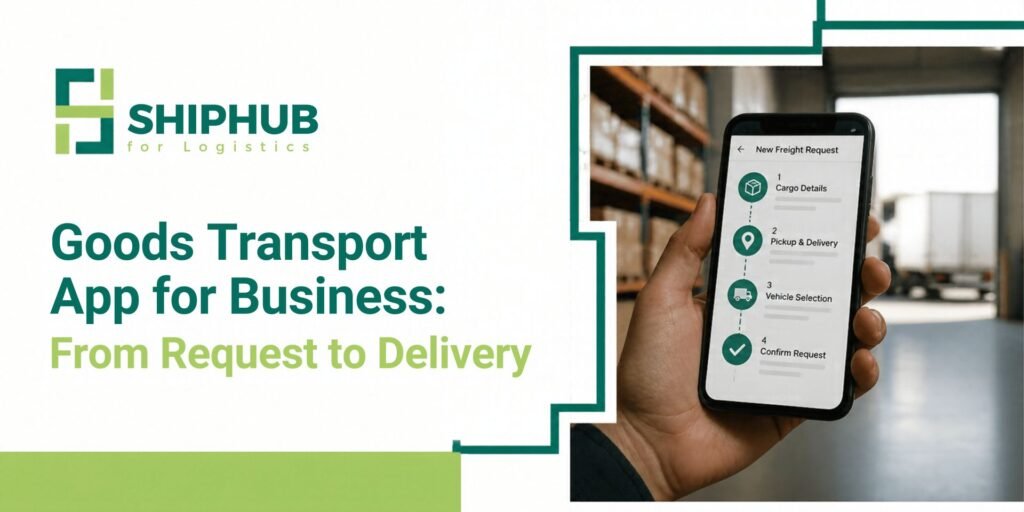
First decide whether the goods are ready now or need a scheduled collection. Add both locations and the shipment details, check the information and submit the request. Review the available provider offers against the vehicle, price and work required. Resolve questions about handling or access before selection. Review the final amount and the payment instructions displayed in the app, then follow the order status, waybill and delivery information. This describes the published service journey; follow the actual screens in the app version you use.Compare available offers
Review vehicle suitability, the service scope, timing and price. Confirm loading or assembly if required, together with any possible additional charges. Clarify missing details before accepting an offer. Different shipments require different options. Furniture, a vehicle and packaged retail goods should not automatically be assigned the same transport category. Check the option available for your specific requirement.Confirm payment and follow the request
Before confirmation, review the total amount and the payment terms shown in the request process. Check the available payment method and when payment is required. Follow the app’s displayed steps rather than assuming that a particular payment method or charging process is supported. After agreement, follow the available order updates and coordinate with the provider when needed. Confirm an estimated arrival time and ensure the receiving team is ready. Order status updates should not be assumed to include live map tracking unless that feature is explicitly available.Check payment, changes and cancellation
Review the service amount and any displayed charges before confirmation. A preliminary offer should not be treated as covering undisclosed additional work. If quantity, location or timing changes, check how to amend the request and confirm the effect on the agreement. Payments follow the platform’s process under its published terms. Avoid arranging payment outside the request. Read the payment and cancellation terms when plans change rather than assuming every cancellation is free or every refund immediate.Example: a business request from preparation to delivery
A shop manager needs to collect packaged stock from a supplier and deliver it to the shop’s warehouse. The manager confirms quantity and readiness with the supplier, obtains photos, dimensions and available weights, and checks the receiving window and unloading arrangements with the warehouse. Those details form the request, including loading needs and preferred timing. When offers arrive, the manager compares the same scope and resolves questions before selecting a provider. The final amount and payment instructions are checked before confirmation through the available app process. During execution, the manager follows updates and coordinates the receiving team. At delivery, the warehouse checks quantities, condition and waybill details. Any discrepancy is recorded with the request reference and relevant photos through the service process. The manager uses the outcome to improve the next request.Common mistakes when requesting transport
- Reusing an old request without checking addresses, quantities and dates.
- Selecting by price before confirming vehicle suitability.
- Assuming loading or assembly is included with the journey.
- Giving a customer a firm arrival promise before timing is agreed.
- Changing the shipment after acceptance without confirming the consequences.